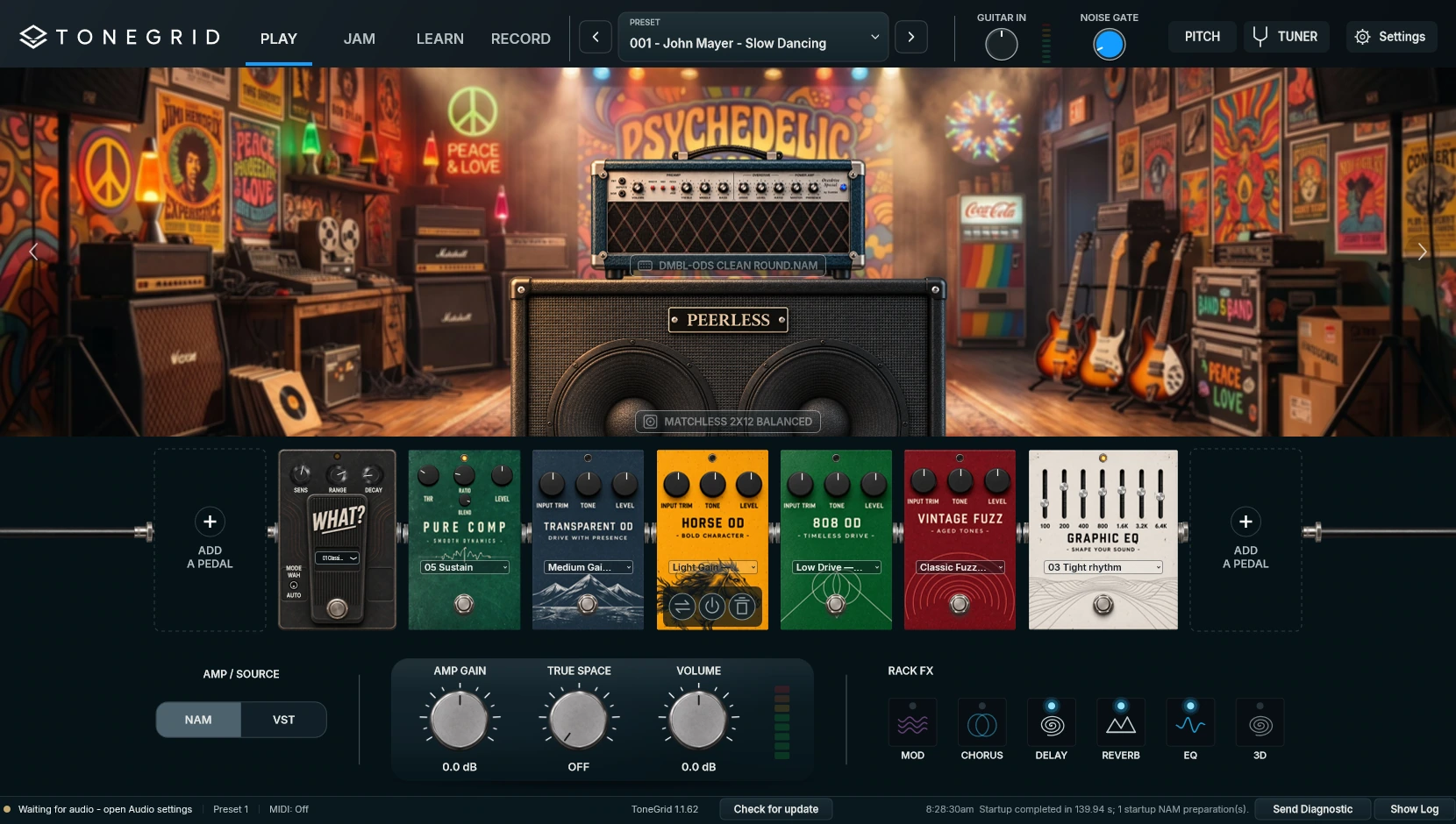
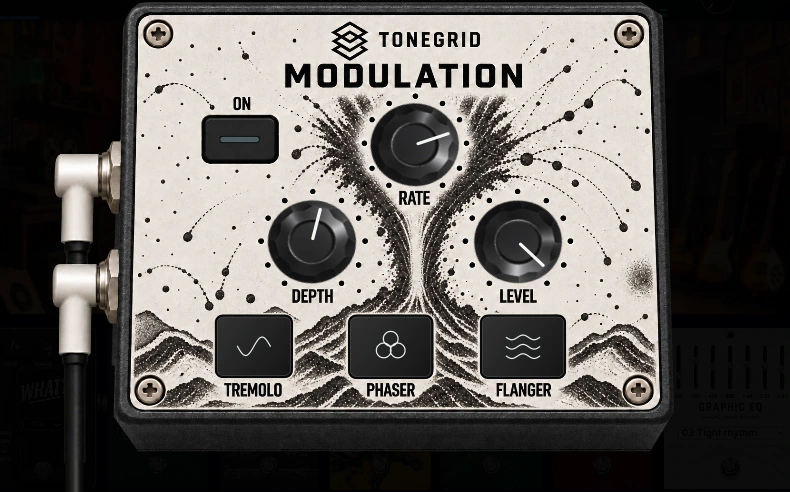
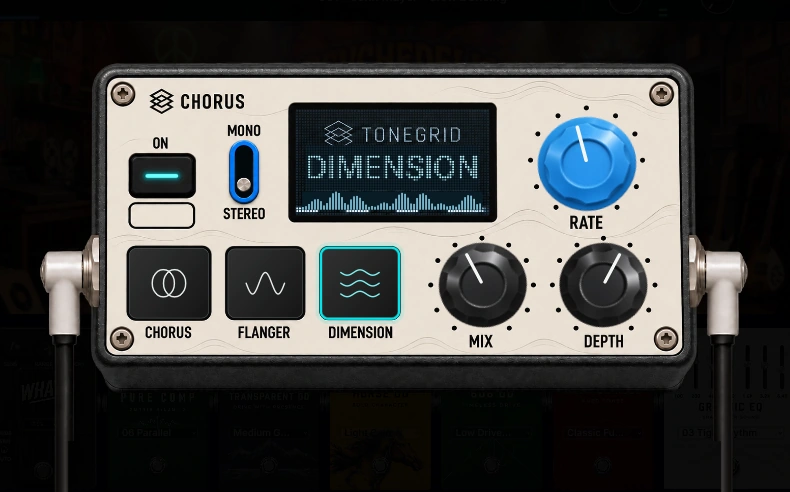
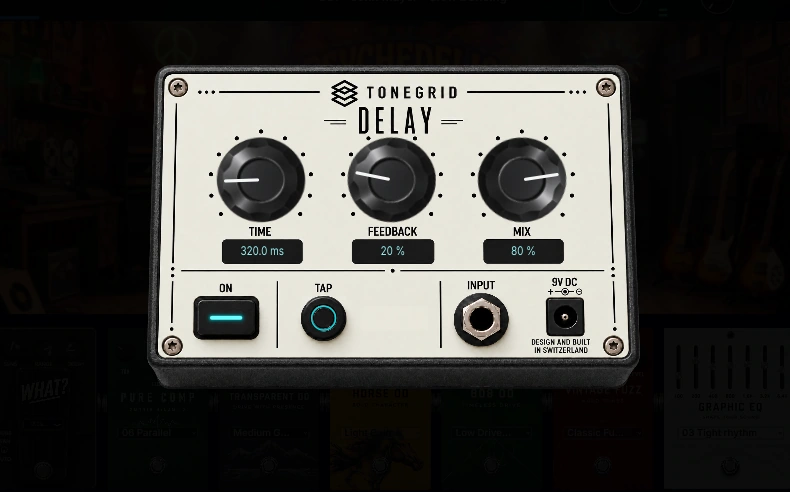
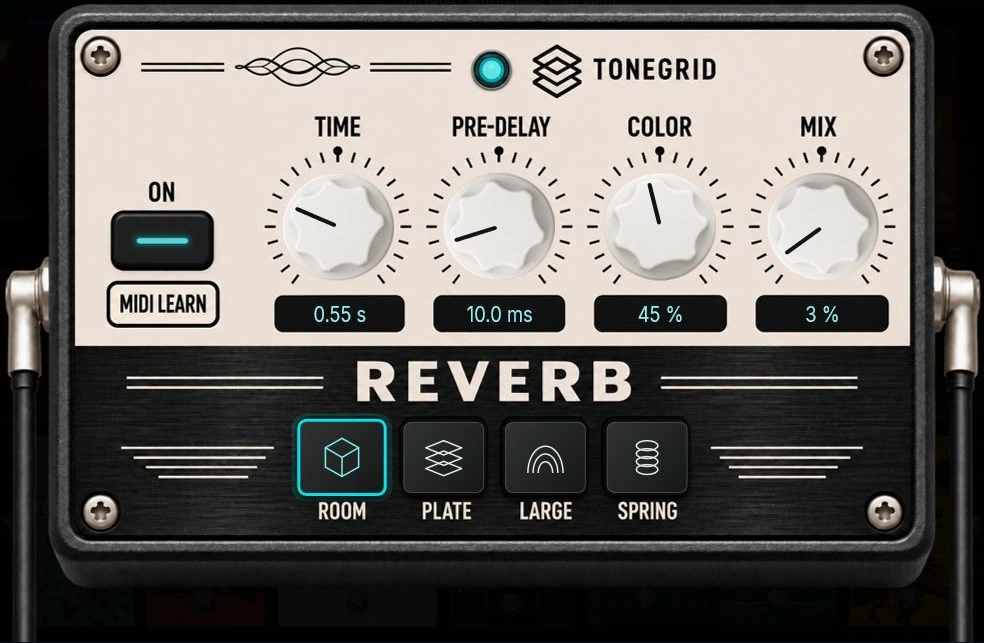
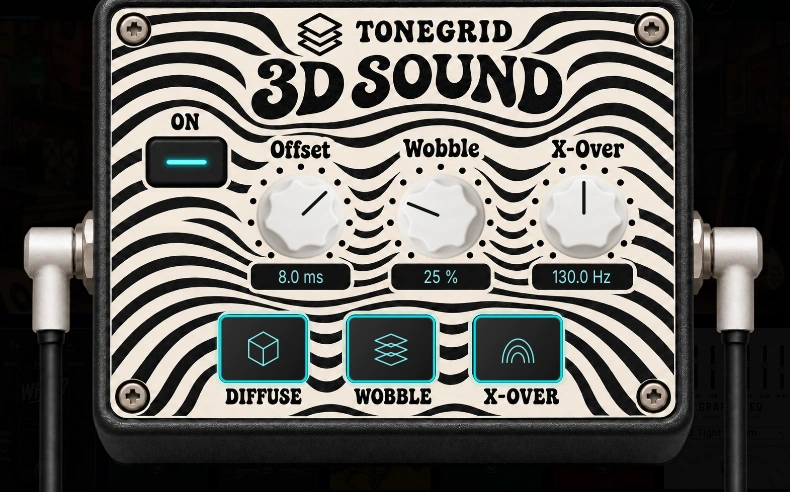
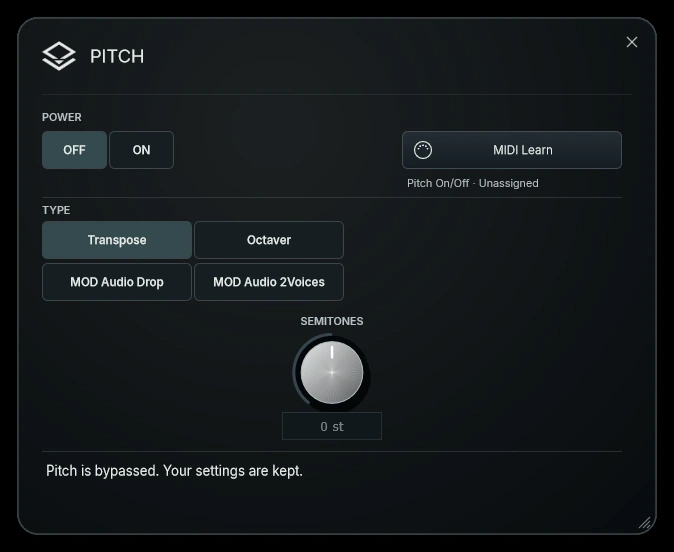
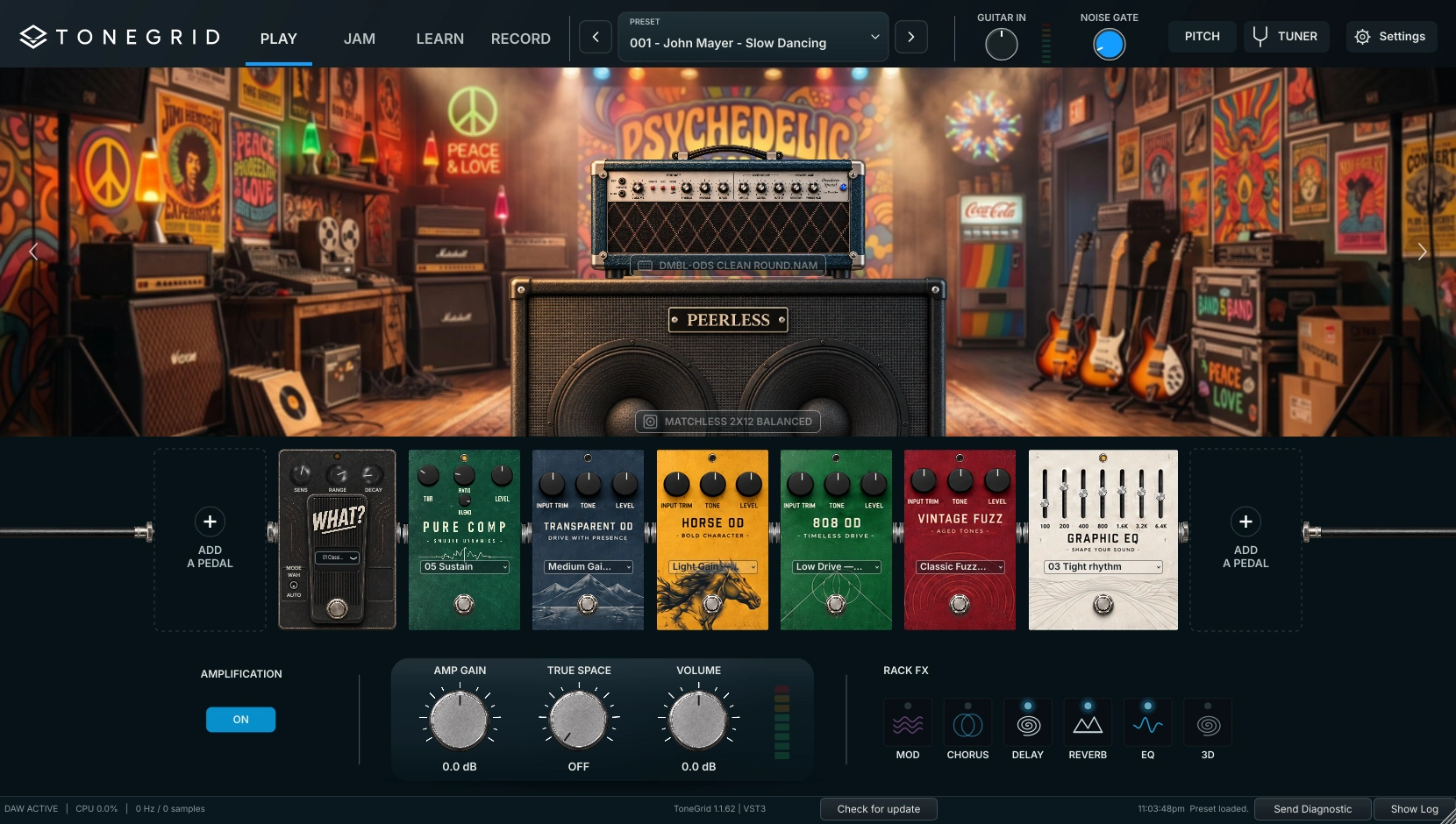
Use 3D for stereo width and movement. Raise True Space in the footer for room ambience; zero is OFF. Lower Volume if combined effect returns make the output clip.
19Check stereo effects through your actual speaker or headphone setup.
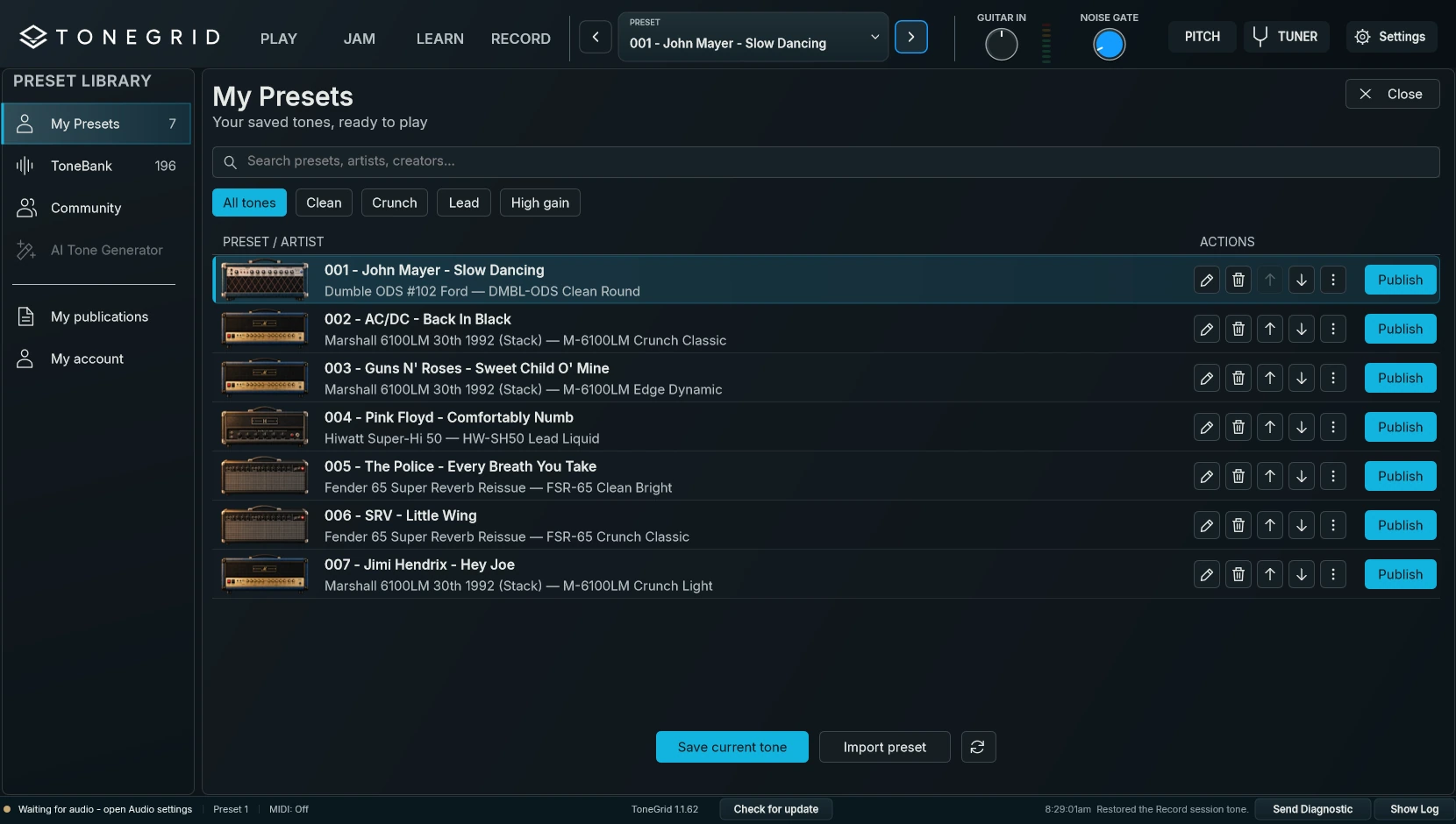
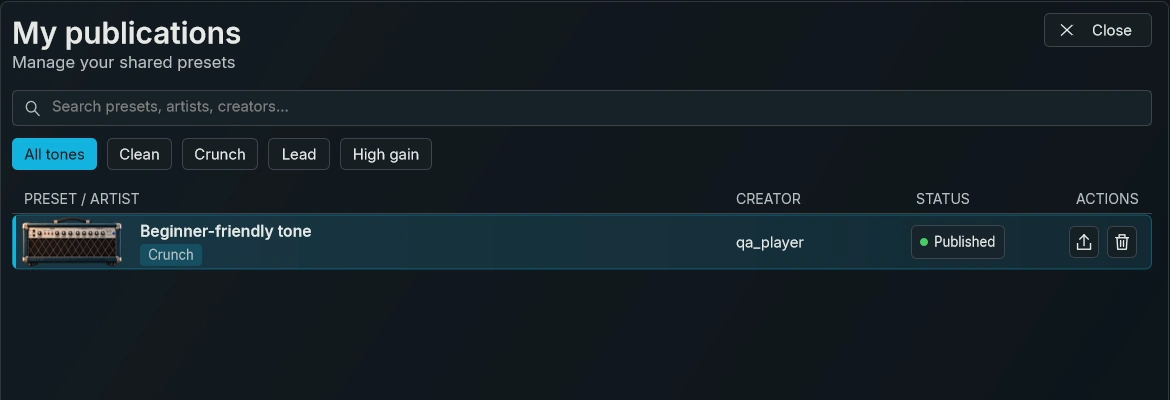
Use Import to open a .tgpreset file, or a row’s export action to share one. Keep the matching NAM and IR files too: the preset document does not back up your capture library.
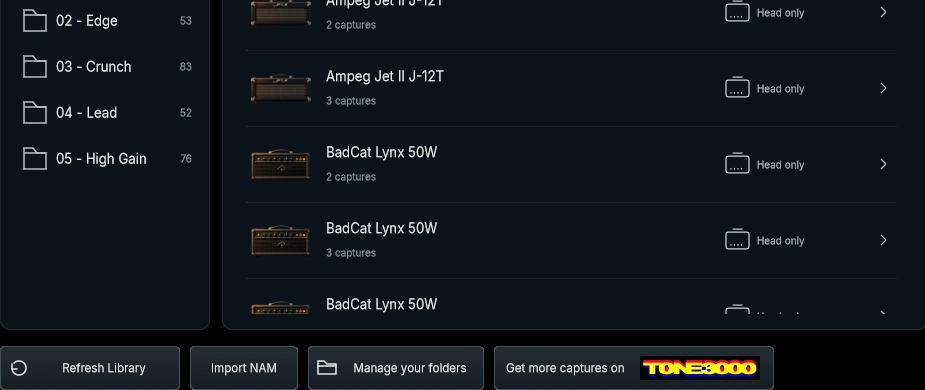
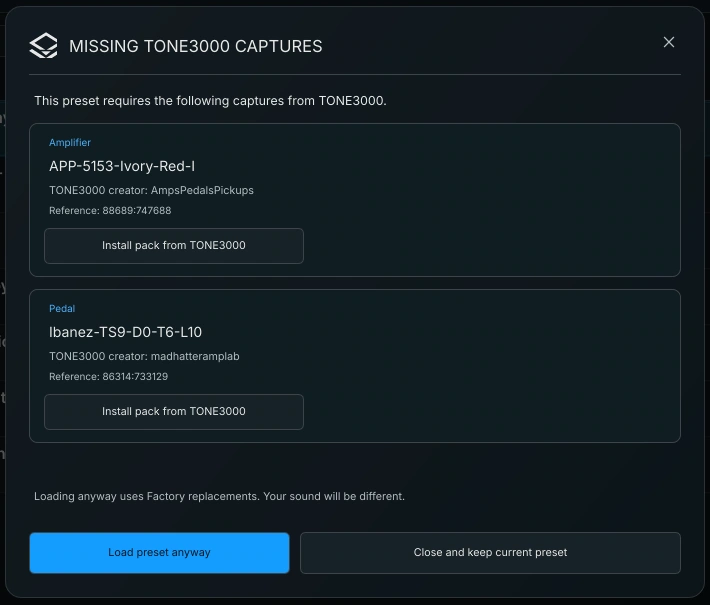
Use Install pack from TONE3000 for each missing source. If the exact file is unavailable, keep the current preset or explicitly accept the offered replacements. Replacements change the sound.
27Install the requested files to recover the original tone.
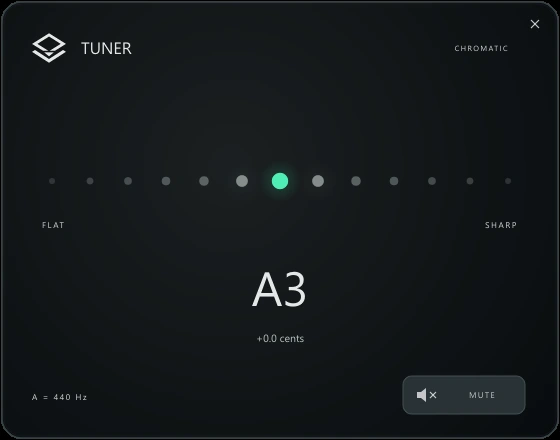
Click Tuner in the header. Play an open string, let the note settle, and adjust until the pitch indicator is centred. Close the tuner to return to playing.
28No note detected? Check the guitar input and meter.
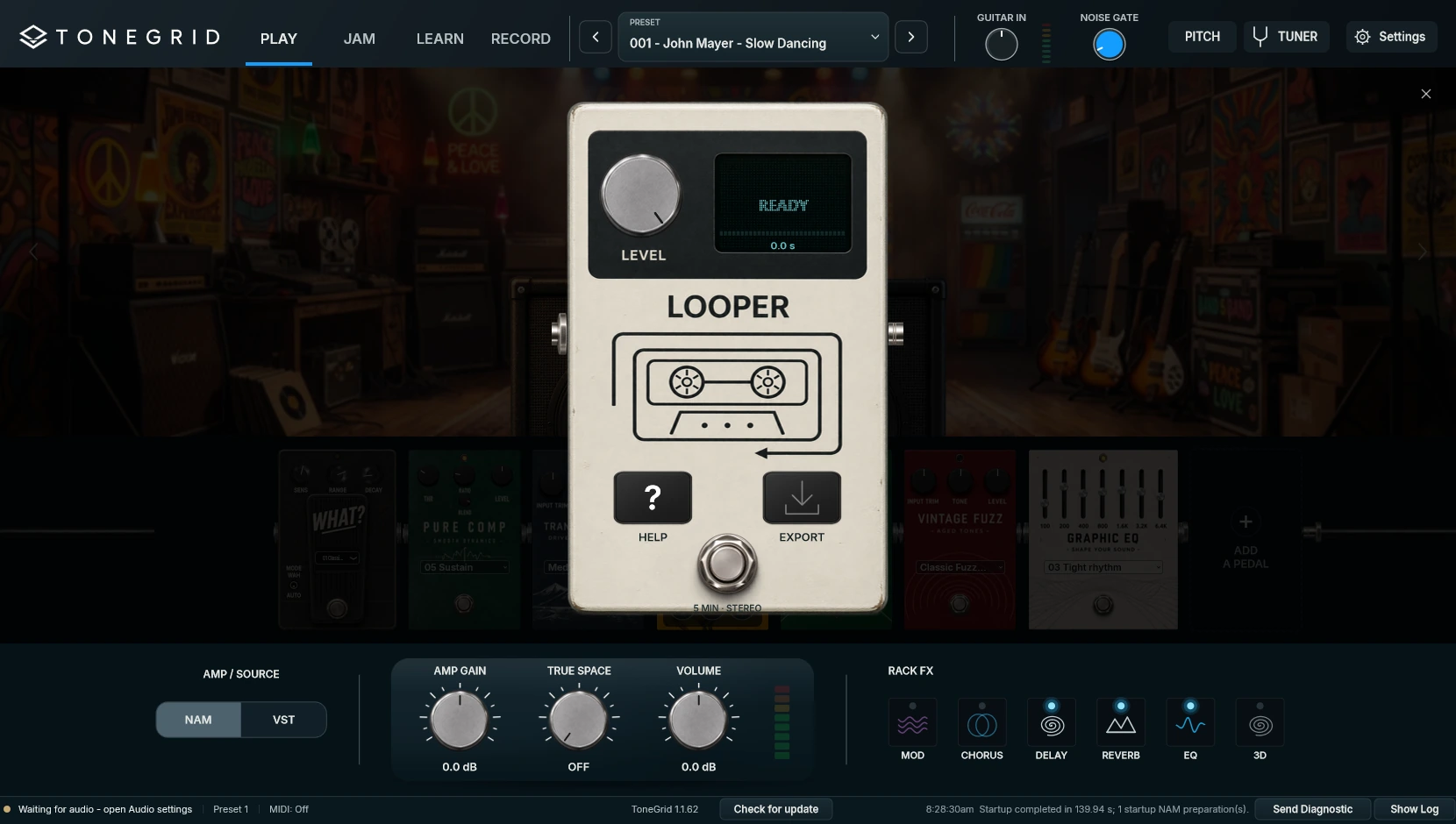
Add Looper from the pedal catalogue. Tap its footswitch to record, tap again to play, then tap to enter or leave overdub. The first take sets the loop length.
33Up to five minutes, stereo. Each layer keeps the tone used while recording.
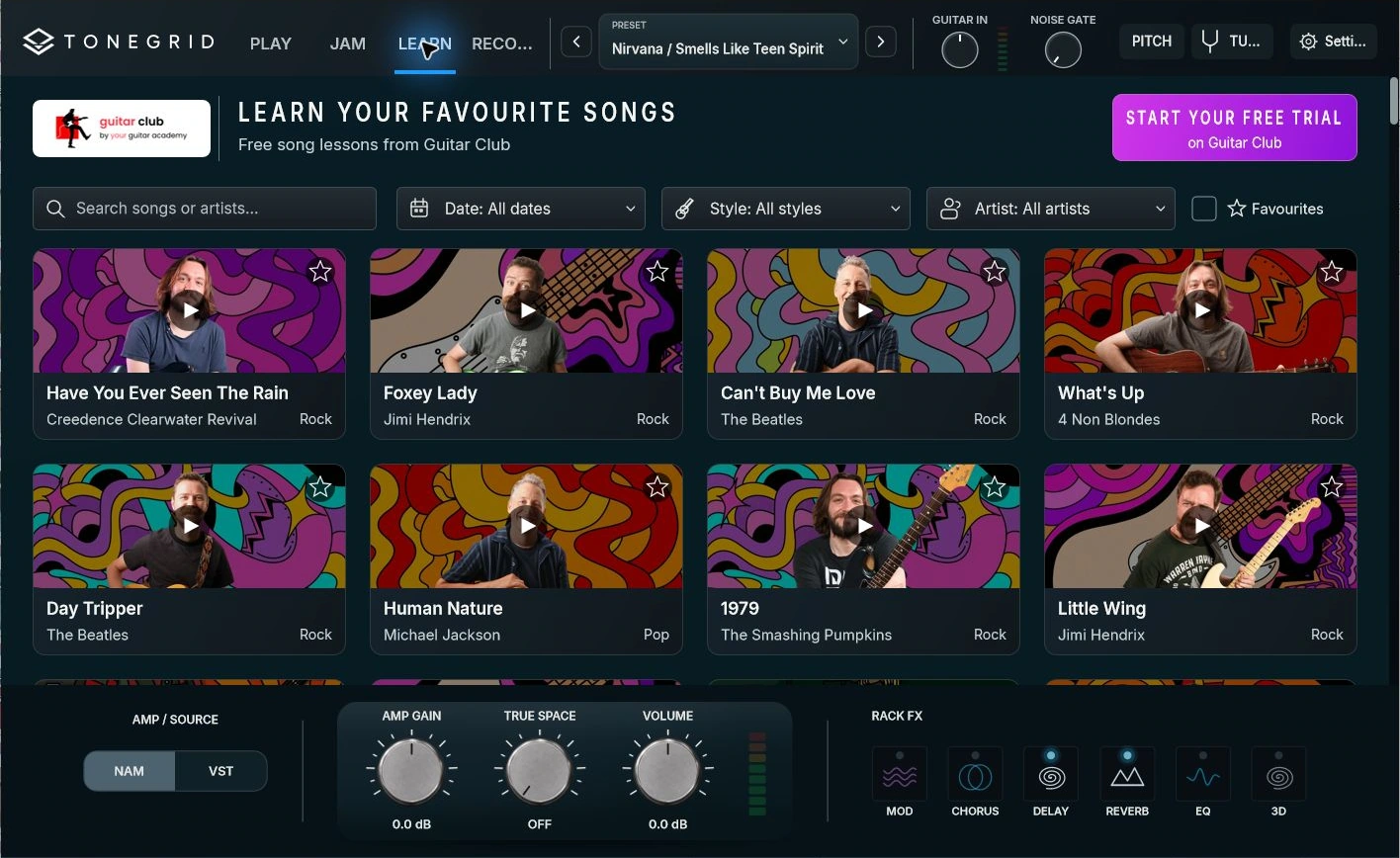
Search by song or artist, open a lesson, and choose its available parts. Pause and replay sections with the video controls. Star lessons to find them again.
35Load the matching ToneBank sound from the Preset selector, then return to LEARN.
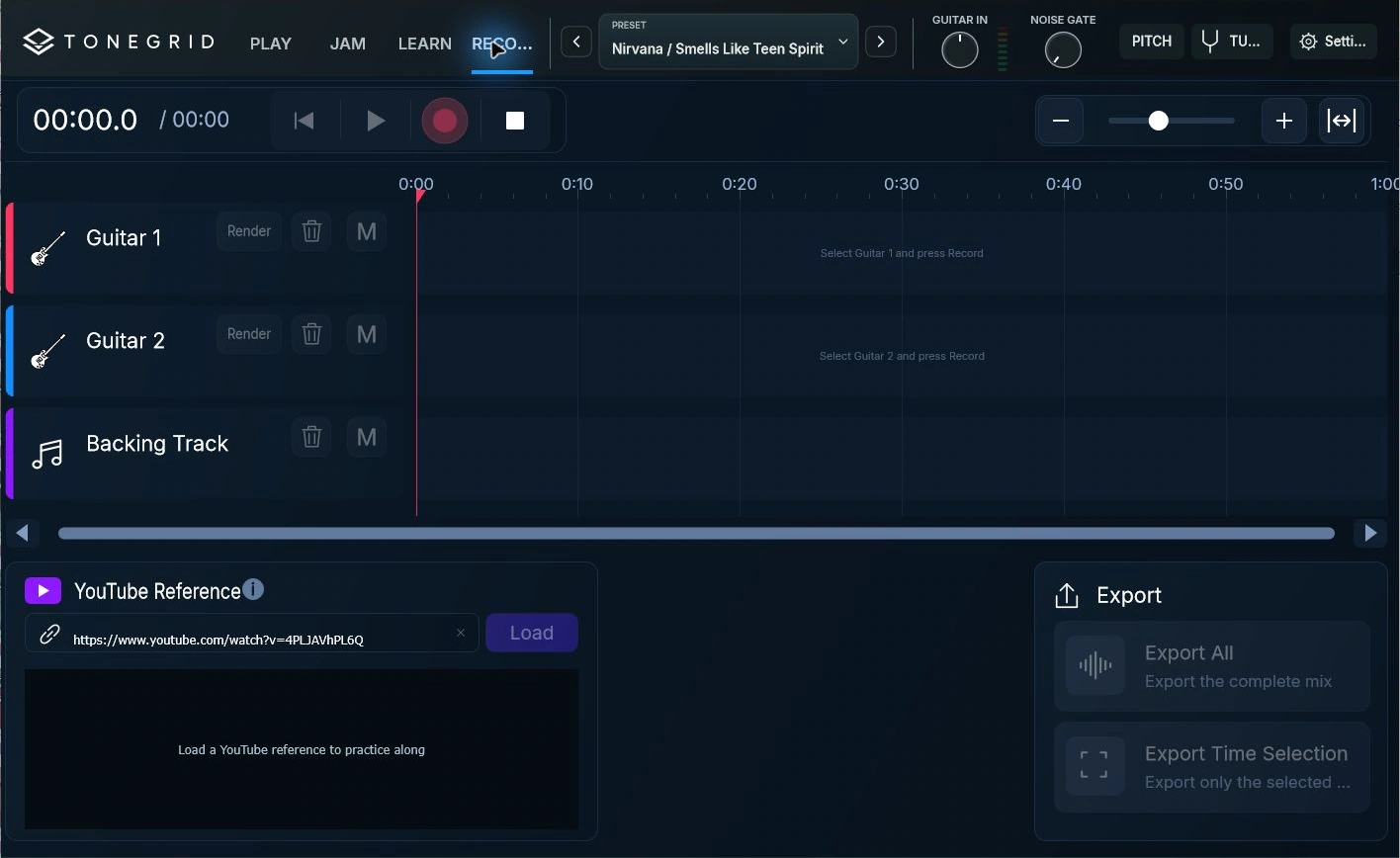
Render Guitar 1 to keep its sound. Select Guitar 2, choose another tone, and record. Use Unfreeze to edit a rendered guitar’s dry take again. Balance the tracks with their levels and M mute buttons.
Choose Export All, or select a ruler range and choose Export Time Selection. The MP3 mixes audible guitars and local backing using their level and mute settings.
The active session autosaves in Documents/ToneGrid/Recordings/Active. Back up the whole folder to keep dry takes, renders, and backing.
Insert Tonegrid VST3 on a guitar audio track, select its input, and enable monitoring. Record, automate, and export in the DAW. The host manages audio devices and buffer size.
37Tonegrid’s VST3 editor. Audio routing and recording stay in your DAW.
In standalone, choose AMP / SOURCE → VST. Scan VST3, add a folder if needed, select a compatible amp, and click Open Amp. Keep using Tonegrid’s pedalboard around it.
Third-party plug-ins are installed separately. Tonegrid VST3 does not host another VST3 inside itself.
Use Check for update in the status strip. Back up presets, imported captures, custom pedals, and recordings before updating.
For help, send your version, operating system, audio interface, and a screenshot to christian@tonegrid.net. Use Show Log or Send Diagnostic when needed.